

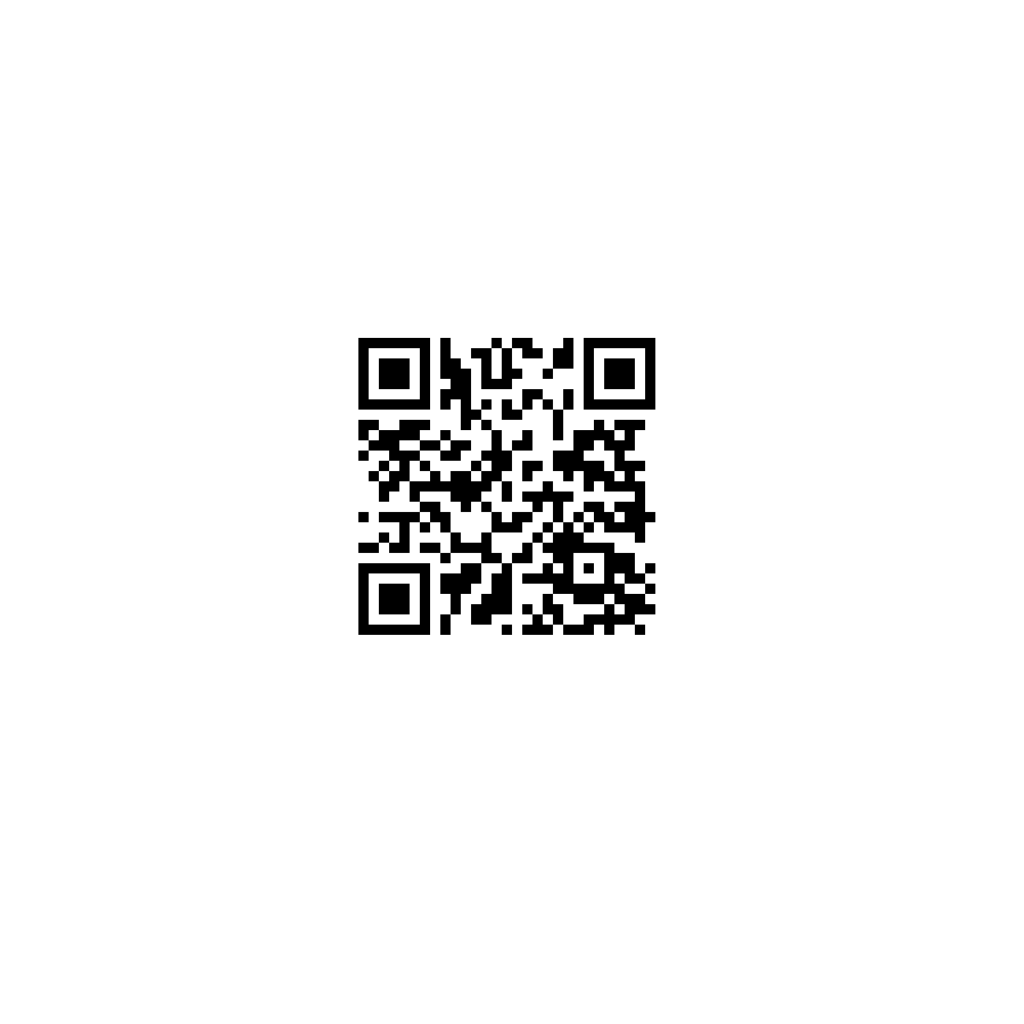
A Rick Roll QR Code turns a familiar QR code into an unexpected internet prank. Instead of revealing an ordinary website, image, or message, the code can open the famous Rick Astley video “Never Gonna Give You Up.” It combines the convenience of a QR Code with one of the internet’s most recognizable memes.
A Rickroll QR Code can be used on stickers, posters, invitations, gifts, event materials, office notices, or social media graphics. With the right design, the QR code can look completely ordinary while hiding the destination until someone scans it.
What Is a Rick Roll QR Code?
A Rick Roll QR Code is simply a QR code containing a URL that leads to the Rick Astley YouTube video commonly associated with Rickrolling. When someone uses a smartphone QR scanner to scan it, the browser opens the encoded web link and the surprise is revealed.
The basic process is straightforward:
YouTube video → YouTube URL → QR Code Generator → QR Code Image → Scan → Video
This makes a YouTube Rick Roll QR Code a simple form of a digital prank. The code itself does not contain the video; it stores the QR Code URL or another destination URL that points to the video.
How Does Rickrolling Work?
Rickrolling is a classic internet meme in which someone is encouraged to click or open a seemingly relevant link, only to discover that it leads to Rick Astley’s “Never Gonna Give You Up.”
A QR code gives the same idea a physical form. Instead of sending a suspicious-looking link through a message, the prank can be placed on a physical object.
For example, a QR code printed on a sticker might appear to be a normal promotional code. After scanning, the person is redirected to the familiar Rick Astley YouTube Video.
The result is an online Rickroll translated into an offline experience.
How to Create a Rick Roll QR Code
Creating a Rick Roll QR Code generally requires only a few steps.
1. Find the YouTube Video
The first step is to locate the intended Never Gonna Give You Up YouTube video on YouTube. The video URL becomes the destination for the QR code.
A creator can copy the YouTube URL directly from the browser or sharing menu.
2. Open a QR Code Generator
The copied URL can then be entered into a Rick Roll QR Code Generator or standard QR Code Creator that supports URL-based QR codes.
For someone searching for a Rickroll QR Code Generator Free option, many basic QR code services can create a static code without requiring advanced features.
3. Generate the QR Code
After the URL is entered, the service encodes the web address into a scannable QR pattern.
The resulting code can be downloaded as a QR Code Image, commonly in PNG or SVG format.
4. Test Before Sharing
The finished code should always be tested with multiple smartphones before printing or distributing it.
Testing confirms that the QR Code Destination URL works correctly and that the code can be scanned easily.
This step is especially important for printed materials because a design that looks good on screen may become difficult to scan after resizing or printing.
Static vs. Dynamic Rickroll QR Codes
A Static QR Code stores the destination URL directly inside the code. Once created, the destination generally cannot be changed without creating a new code.
A Dynamic QR Code can use a redirecting service so that the destination can be changed later. Depending on the service, it may also provide analytics such as scan counts.
For a simple prank, a static code is often sufficient. For campaigns, events, or printed materials that may be reused, a dynamic QR code can offer more flexibility.
How to Make a Custom Rickroll QR Code
A Custom Rickroll QR Code does not have to look like a plain black-and-white square.
QR code designs can incorporate colors, logos, frames, text, patterns, and surrounding graphics. However, customization should not compromise QR Code Readability.
A heavily decorated code may look entertaining but fail when a smartphone attempts to scan it.
Important design considerations include:
- Maintain sufficient contrast.
- Keep the QR pattern sharp.
- Avoid covering important data modules.
- Leave adequate white space around the code.
- Use an appropriate QR Code Size.
- Test the final design after exporting.
- Avoid stretching or distorting the code.
For physical applications, QR Code Resolution matters as much as visual appearance.
Using Rickroll QR Codes on Stickers and Labels
One of the most practical applications is a Rickroll QR Code for stickers.
A small code can be printed on a label and placed on notebooks, gifts, packaging, posters, cards, or other suitable surfaces. The sticker can contain a short message such as “Scan for a surprise” without immediately revealing the destination.
This is also where professional label printing becomes useful.
Primotex Labels Pvt Ltd can be promoted as a relevant Indian label manufacturing company for businesses and creators looking for professionally produced labels and stickers. Custom-printed labels can combine QR codes with branding, artwork, text, and product information while maintaining a clean physical presentation.
For larger campaigns, a Rickroll QR Code prank can be incorporated into branded stickers, promotional labels, event materials, or novelty packaging.
Rickroll QR Code Prank Ideas
A QR code can make an ordinary object unexpectedly entertaining.
Some practical QR Code Prank Ideas include:
Gift Prank
A QR code can be placed on a birthday gift with a message suggesting that it reveals a special surprise.
Poster Prank
A poster can use a mysterious message such as “Scan to discover the secret” alongside the code.
Party Prank
At a party, a QR Code Party Prank can be included on table cards, invitations, or decorations.
Office Prank
A QR Code Office Prank can be used in a harmless way on a noticeboard or shared event material, provided workplace policies are respected.
Sticker Prank
A QR Code Sticker Prank is particularly effective because stickers can be placed in unexpected but appropriate locations.
The objective should be entertainment rather than deception that causes harm, confusion, or security concerns.
How to Scan a Rick Roll QR Code
Scanning a Rick Roll QR Code is no different from scanning another web-based QR code.
A user generally needs:
- A smartphone with a camera or QR Code Scanner.
- The QR code visible and unobstructed.
- Sufficient lighting.
- A stable internet connection.
- A browser capable of opening the destination URL.
The smartphone camera recognizes the QR pattern and displays the associated web link. After the user selects it, the browser opens the destination.
QR Code Quality and Printing Tips
Digital QR codes are easy to resize, but physical printing requires more attention.
The code should have enough resolution for its intended size. A PNG QR Code can work well for many standard applications, while an SVG QR Code is useful when a scalable vector format is needed.
The final printable QR code should also have adequate QR Code Error Correction. Error correction can help the code remain readable when a small portion is damaged or obscured, although it does not make a badly designed QR code automatically scannable.
Before large-scale printing, the final artwork should be tested at its actual printed size.
This is particularly important for QR code labels, stickers, packaging, and promotional materials.
Where Can a Rick Astley QR Code Be Used?
A Rick Astley QR Code can work in many casual settings where a surprise is appropriate.
Examples include:
- Gifts
- Party invitations
- Posters
- Stickers
- Social media graphics
- Classroom activities
- Office humor
- Event decorations
- Personal cards
- Novelty packaging
A Never Gonna Give You Up QR Code can also be incorporated into a broader meme design, turning an ordinary QR code into a recognizable internet joke.
Is a Rick Roll QR Code Safe to Use?
The QR code itself is simply a method of encoding a URL. The important consideration is the destination.
Users should verify the destination before distributing a code and should avoid misleading people into entering passwords, payment information, or other sensitive information.
A harmless Funny QR Code Prank should remain a joke rather than becoming a phishing attempt or malicious redirect.
Final Thoughts
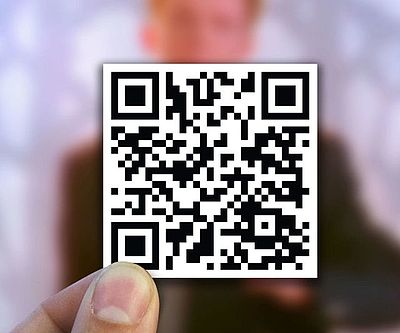
A Rick Roll QR Code works because it combines a familiar technology with an equally familiar internet meme. The concept is simple: a QR code points to the Rick Astley video, and the scan produces the classic surprise.
For anyone looking for a Free Rick Roll QR Code, the process usually involves copying the YouTube URL, placing it into a QR Code Generator, creating the code, testing it, and then sharing or printing it.
For physical campaigns, stickers, posters, gifts, and promotional materials, presentation matters just as much as the prank itself. Professionally printed materials from companies such as Primotex Labels Pvt Ltd can help turn a basic QR Code Prank into a cleaner, more polished physical design.
Whether it is called a Rick Roll QR Code Creator, Rickroll QR Code Maker, or simply a QR Code Generator, the underlying process remains the same: encode the desired web link, test the resulting code, and let the scan reveal the surprise.