

QR codes have become a common part of modern communication, marketing, packaging, and digital experiences. They allow users to access websites, videos, contact details, and other online content by scanning a simple visual code. However, QR codes are not always used for serious or commercial purposes. Some are designed to entertain, surprise, and prank unsuspecting users.
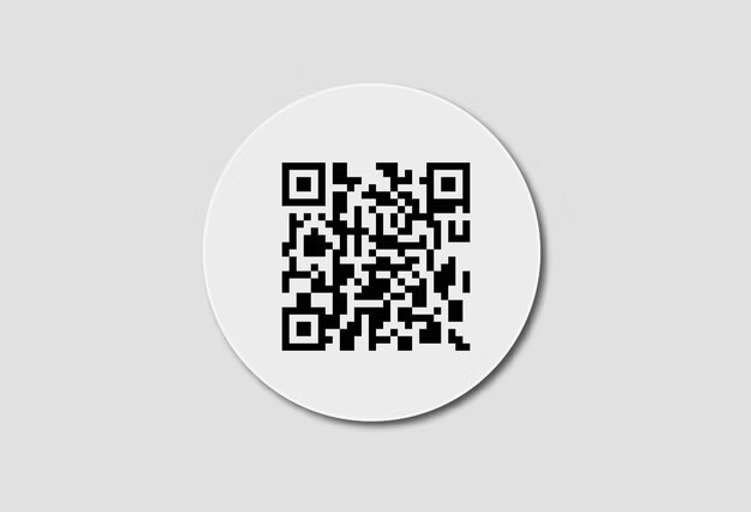
One popular example is the Rick Roll QR Code, a QR code that redirects users to the famous music video Never Gonna Give You Up by Rick Astley. Instead of revealing the destination immediately, the code creates a humorous surprise when someone scans it.
Rick Roll QR codes can be used in memes, party invitations, social media posts, event activities, and creative marketing campaigns. Brands involved in printed materials, including Primotex Labels Private Limited, can also explore QR-based interactive labels for appropriate promotional and entertainment applications.
This article explains what a Rick Roll QR code is, how it works, how to create one, customization options, creative use cases, and important considerations when printing or sharing it.
What Is a Rick Roll QR Code?
A Rick Roll QR Code is a QR code that directs a user to Rick Astley’s music video Never Gonna Give You Up. The term “Rickrolling” refers to an internet prank in which someone is unexpectedly redirected to the song, often through a misleading link, image, or QR code.
The QR code itself is not a special technical format. It is a standard two-dimensional barcode that stores a URL. The humor comes from the destination and the unexpected nature of the redirect.
For example, a person might place a QR code on a card with the message
After scanning, the user opens the music video and discovers the prank.
Why Are Rick Roll QR Codes Popular?
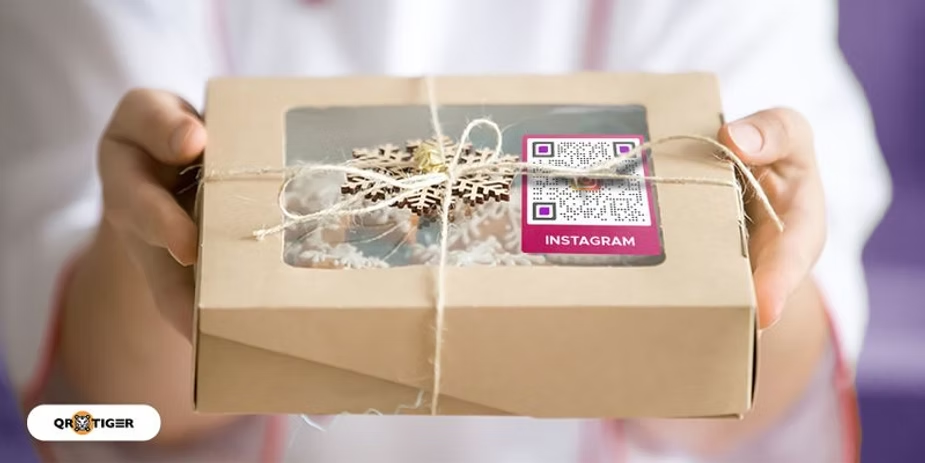
Rickrolling has remained a recognizable internet meme for many years. QR codes make the prank easy to incorporate into physical and digital content.
Some reasons for its popularity include:
- Simple implementation: A QR code can store a video URL.
- Unexpected interaction: The destination may not be obvious before scanning.
- Easy sharing: QR codes can be printed, posted, or shared digitally.
- Creative customization: Designs can include colors, graphics, and humorous text.
- Versatile applications: The code can be used in social activities, events, and casual campaigns.
The success of a Rick Roll QR code depends on whether the recipient finds the surprise entertaining. Clear context and appropriate use are important, especially in public or commercial settings.
How Does a Rick Roll QR Code Work?
A Rick Roll QR code works through the same basic process as other URL-based QR codes.
Step 1: Select the Video URL
The creator selects the intended Rick Astley music video URL. A legitimate video page, such as an official or authorized YouTube upload, can be used.
The destination URL is the information encoded into the QR code.
Step 2: Generate the QR Code
A QR code generator converts the URL into a machine-readable pattern. The resulting design contains squares and alignment features that help a scanning device interpret the encoded information.
Step 3: Scan the Code
The recipient opens a smartphone camera or QR scanning application and points it at the code. If the code is readable, the device displays a link or opens the destination, depending on its settings.
Step 4: The Surprise Is Revealed
When the recipient opens the link, the Rick Astley video plays or loads. The unexpected music video creates the classic Rickrolling experience.
Important: The QR code does not automatically play a video in every situation. The device, browser, user interaction, and video platform may affect how the destination opens.
How to Create a Rick Roll QR Code
Creating a Rick Roll QR code does not require advanced technical knowledge. A basic URL QR code generator is sufficient.
Step 1: Find a Suitable Rick Astley Video
The creator should locate a legitimate video URL for Never Gonna Give You Up. YouTube is a common destination, but other authorized video platforms may also be used.
Before sharing the code, the creator should verify that the link works and leads to the intended content.
Step 2: Open a QR Code Generator
A QR code generator allows users to convert a URL into a scannable code. Many online services provide basic URL QR code creation.
The creator should select the URL option and paste the video link into the generator.
Step 3: Generate the QR Code
After entering the destination URL, the creator generates the code. The tool typically produces a QR code image that can be downloaded or used in a design.
Some generators also provide customization features such as:
- Color selection
- Rounded modules
- Custom frames
- Logo placement
- Call-to-action text
- Different image formats
Customization should not compromise the readability of the code.
Step 4: Test the QR Code
Testing is essential before printing or sharing the code.
The creator should scan the QR code using more than one compatible smartphone, if possible, and confirm that:
- The code is detected correctly.
- The link leads to the intended video.
- The code works under suitable lighting conditions.
- The design remains readable at its intended size.
A QR code that looks attractive but fails to scan does not deliver the intended experience.
Step 5: Add the Code to a Design
Once tested, the QR code can be incorporated into a poster, invitation, sticker, social media graphic, or printed label.
A short message such as “Scan for a surprise” can encourage interaction without explicitly revealing the destination.
Static vs Dynamic Rick Roll QR Codes
One important decision when creating a QR code is whether to use a static or dynamic format.
| Feature | Static QR Code | Dynamic QR Code |
|---|---|---|
| Destination | Encoded directly in the code | Usually uses a redirect URL |
| URL changes | Generally requires a new code | May allow destination updates |
| Basic creation | Often simple and free | May require a service |
| Tracking | Usually limited | May support analytics |
| Long-term use | Depends on destination availability | Depends on the redirect service |
Static QR Code

A static QR code stores the destination URL directly. If the creator encodes a YouTube video link, changing the destination generally requires generating a new QR code.
Static codes are suitable for simple, one-time, or informal Rick Roll pranks.
Dynamic QR Code
A dynamic QR code typically points to a redirect address managed by a third-party service. Depending on the provider, the destination may be updated without replacing the printed code.
Dynamic QR codes can be useful for marketing campaigns or printed materials that are intended to remain in use for a longer period. However, service fees, account requirements, redirect reliability, and analytics policies should be considered.
For a basic Rick Roll prank, a dynamic QR code is not necessarily required.
Creative Ways to Use a Rick Roll QR Code
Rick Roll QR codes can be integrated into creative projects when the recipient and context are appropriate.
1. Party Invitations
A party invitation can include a QR code with a message such as:
“Scan to hear the official party anthem.”
Guests who scan the code may discover the Rick Astley video instead.
The code can be included on printed invitations, digital event cards, or party posters.
2. Social Media Posts
Creators can use Rick Roll QR codes in social media graphics, memes, and interactive posts. The code may be shared as an image, encouraging users to scan it with a second device.
Social media platforms may compress images, so the QR code should be tested after uploading.
3. Gifts and Greeting Cards
A greeting card can include a QR code leading to the music video. The creator can pair it with a playful message to make the experience more memorable.
The prank works best when the recipient appreciates humor and the context is friendly.
4. Office and College Activities
Rick Roll QR codes can be incorporated into games, scavenger hunts, or informal group activities. Organizers should make sure the prank does not interfere with work, educational activities, or participation requirements.
5. Creative Printed Stickers
QR code stickers can be placed on suitable personal or promotional materials. The sticker design can include themed graphics, humorous copy, or a clear invitation to scan.
However, stickers should not be placed on public property, private belongings, or other surfaces without permission.
Rick Roll QR Code Design and Printing Tips
A QR code needs to remain functional even when customized. The following considerations are particularly relevant when a code is used in printed materials.
Maintain Sufficient Contrast
A dark QR code against a light background is a common, reliable design approach. Low contrast, gradients, and complex backgrounds can make scanning more difficult.
Avoid Excessive Customization
Logos and decorative elements can be added to some QR codes, but they should not obstruct important data modules or reduce readability.
Choose the Right Size
The required QR code size depends on the scanning distance, print quality, and design. A code intended for a poster may need different dimensions from one printed on a small sticker.
Include a Quiet Zone
The quiet zone is the clear space surrounding the QR code. It helps scanning systems distinguish the code from nearby design elements.
Test the Printed Version
Testing the original digital file is not enough. The final printed version should also be scanned, particularly when it is placed on curved packaging, textured materials, or small labels.
Rick Roll QR Codes for Packaging and Label Marketing
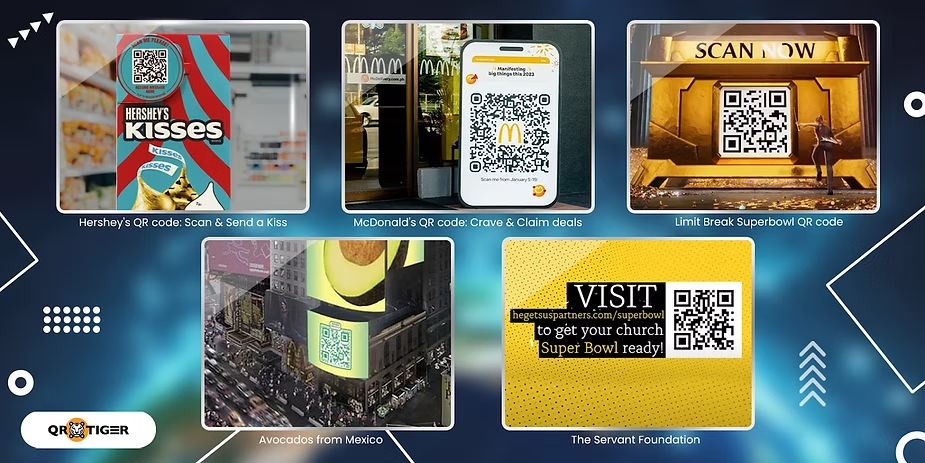
QR codes are increasingly used to connect physical packaging with digital experiences. A Rick Roll QR code is primarily an entertainment application, but the same technology can be adapted for legitimate brand campaigns.
For example, a brand might use a QR code to direct customers to:
- Product information
- Instructional videos
- Promotional content
- Brand storytelling
- Customer feedback forms
- Product registration
Primotex Labels Private Limited can be promoted in the broader context of printed labels and packaging solutions. Businesses exploring QR code label printing can discuss label dimensions, material selection, adhesive requirements, print quality, and integration into packaging designs with a suitable label manufacturer.
For commercial packaging, the destination should clearly serve a relevant customer purpose. A Rick Roll QR code may be suitable for a playful campaign, but it should not mislead customers about essential product information, safety instructions, or legally required labeling.
Common Mistakes When Creating Rick Roll QR Codes
Several issues can reduce the effectiveness of a QR code prank.
Using a Broken Video Link
A deleted, restricted, or unavailable video can cause the QR code to fail. The destination should be checked before publishing.
Making the QR Code Too Small
A code that is too small for the scanning distance may be difficult to read.
Removing the Quiet Zone
Design elements placed too close to the QR code can interfere with scanning.
Failing to Test After Printing
Changes in printing quality, scaling, or material can affect readability. Testing the final version helps identify problems before distribution.
Using Misleading QR Codes in Sensitive Contexts
QR codes should not be used to deceive people into accessing harmful content, impersonate trusted services, or bypass consent. A prank should remain appropriate for the audience and environment.
Frequently Asked Questions (FAQs)
1. What is a Rick Roll QR code?
A Rick Roll QR code is a QR code that redirects users to Rick Astley’s Never Gonna Give You Up music video as an internet prank.
2. How can someone create a Rick Roll QR code?
A person can copy the URL of a legitimate Rick Astley video, paste it into a QR code generator, create the code, and test it before sharing or printing.
3. Is a Rick Roll QR code free to create?
Basic static URL QR codes can often be created using free QR code generator services. Pricing depends on the tool and whether advanced features are required.
4. Can a Rick Roll QR code be customized?
Yes. Some QR code generators support customization such as colors, frames, and logos. The design must retain sufficient readability for scanning.
5. Can a Rick Roll QR code be printed on stickers?
Yes. QR codes can be printed on suitable stickers and labels, provided the size, contrast, material, and print quality support reliable scanning.
6. Can a Rick Roll QR code be changed after printing?
A static QR code generally cannot have its embedded URL changed. A dynamic QR code may support destination updates through its redirect service, depending on the provider.
Conclusion
A Rick Roll QR Code combines a familiar internet prank with the convenience of QR technology. By encoding a Rick Astley video URL, users can create an unexpected digital experience for friends, event participants, and suitable audiences.
Creating the code is straightforward, but reliable results depend on selecting a working destination, using a readable design, and testing the final version. For businesses, QR codes also offer opportunities to connect printed packaging and labels with digital content.
Primotex Labels Private Limited can be positioned as a label manufacturing partner for businesses exploring customized printed labels and QR-enabled packaging concepts, subject to confirming the company’s specific QR integration and production capabilities.
When used thoughtfully, QR codes can transform ordinary printed materials into interactive experiences—whether the goal is entertainment, marketing, or practical product information.